
Course Development in Moodle
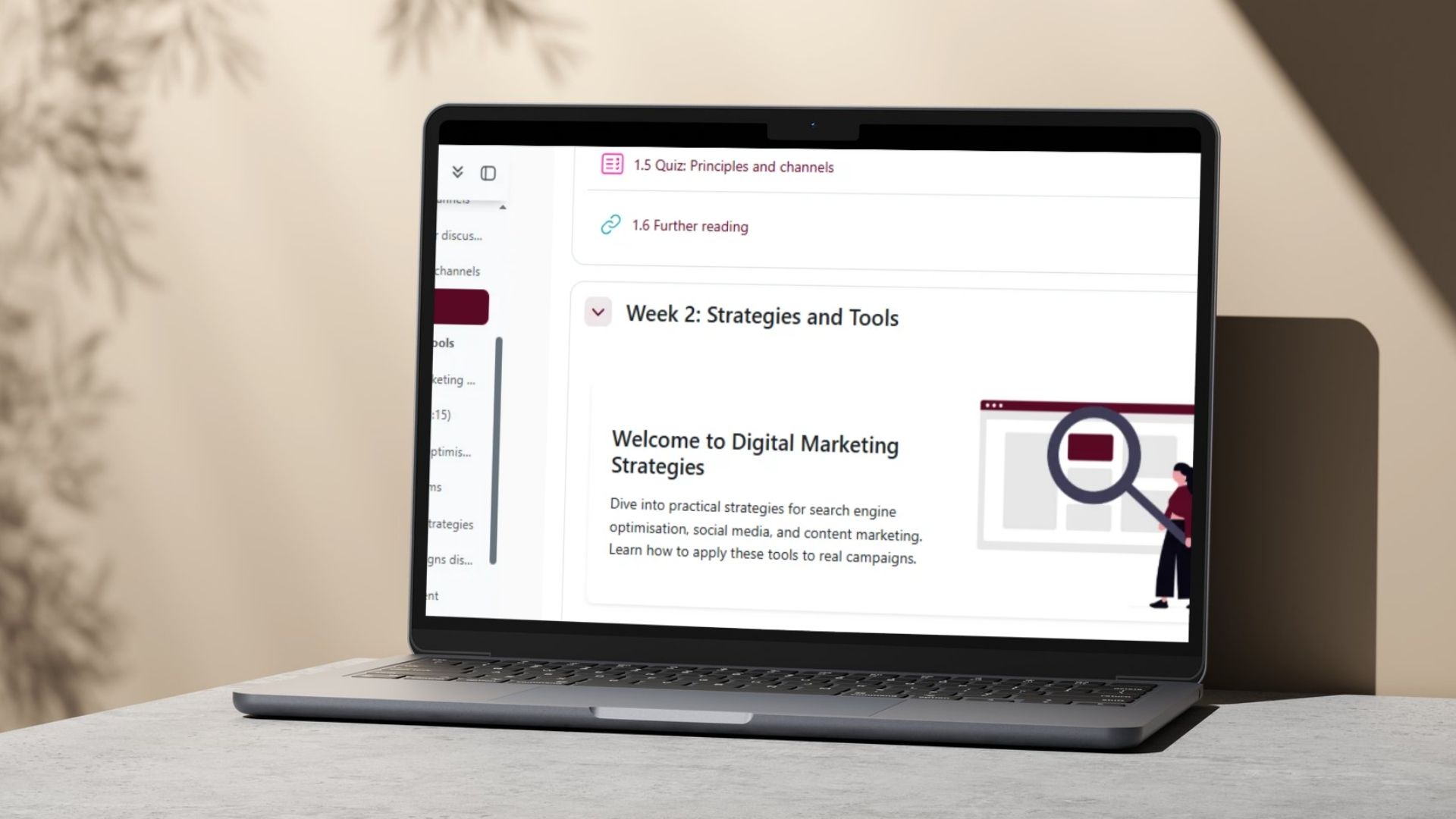
I turned a three-week “Introduction to Digital Marketing” blueprint into a fully working online course inside Moodle. I started with storyboards, content drafts, and designs from a stakeholder. My task was to build and style the entire frontend experience in Moodle.
Tools Used
- Moodle LMS
- H5P
- HTML5 & CSS3
- Bootstrap
The Problem
Online course materials can often feel messy and disjointed if they are not built with a clear structure. The challenge was to take text drafts and media assets and turn them into an organized, mobile-friendly, and highly accessible Moodle course that keeps learners engaged.
The Process & Challenges
I began by setting up the weekly course structure using a predictable layout. I coded the content directly into Moodle using HTML, Bootstrap, and custom CSS to have control over how everything is laid out .
- Fixing Out-of-Brand Visuals: The initial images provided did not match the project’s branding. Since this was an educational course, I redesigned the graphics to use the correct brand colors but in a subtle, minimalist way that prevents learner distraction.
- Creating a Smooth Flow: I used Moodle’s native linking features to connect pages seamlessly. This kept the course moving like a single, cohesive unit instead of a collection of separate links.

The Solution
The final product is a complete, functioning Moodle course built exactly to design specifications. Each week follows a perfect rhythm: a quick overview, core learning pages, an interactive H5P task, a discussion forum, a short quiz and further reading.
Key Features:
- Responsive Layouts: Responsively formatted Moodle Pages that shrink or grow to fit any screen size.
- Interactive H5P Learning: Built-in scenario tasks and presentations that let students practice without complex navigation.
- Accessible Coding: Formatted with proper heading hierarchies, alternative text for images, and full keyboard navigation.
- Smart Quiz & Forum Placement: Setup with clear feedback so students can test their knowledge as they go.
This project offered me another opportunity to work directly in Moodle to develop a course for adult learners.